登录 DrillBit Plagiarism 管理员
 先看视频
Know DrillBit ▾Products ▾Solutions ▾PricingResources
EN ▾Get started ▾Let's Talk →DrillBit's AI Plagiarism & Content Integrity for Institutions, Publishers & Enterprises
Trusted by 2500+ institutions to strengthen research quality, publications, and professional reputation
Request Demo →
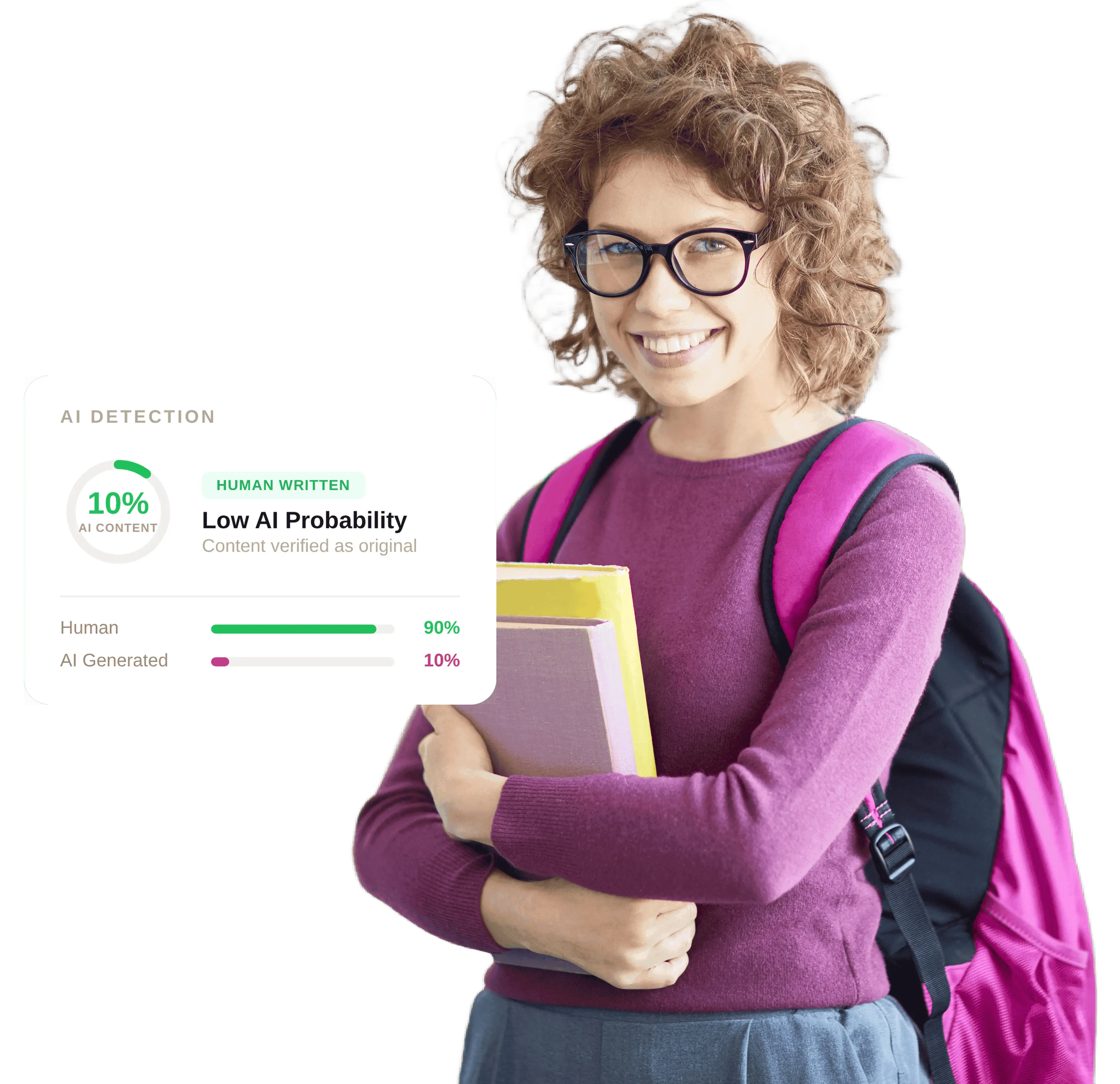
AI DETECTION
10%AI CONTENTHUMAN WRITTENLow AI Probability
Human90%
AI Generated10%
Know DrillBit ▾Products ▾Solutions ▾PricingResources
EN ▾Get started ▾Let's Talk →DrillBit's AI Plagiarism & Content Integrity for Institutions, Publishers & Enterprises
Trusted by 2500+ institutions to strengthen research quality, publications, and professional reputation
Get started with DrillBit
Institutional Login→
Individual User→
English - en ▾
Welcome to DrillBit
Email Address *
admin@institution.edu
Password *
••••••••
Forgot password?
Sign In
Account lockoutAfter 6 consecutive incorrect login attempts your account is temporarily locked for one hour. Use Forgot Password to reset.
Login successful! Redirecting...
先看视频
登录全流程
管理员登录流程的快速引导演示 - 从 DrillBit 主页到成功登录。点击播放,像观看短视频一样了解整个过程。
登录 DrillBit 抄袭检测系统
开始使用 DrillBit 非常简单。只需使用您的账号信息登录,即可访问仪表盘并开始管理您的抄袭检测。如果您遇到任何登录问题,请不要担心——DrillBit 将竭诚为您提供帮助,助您快速、顺利地恢复正常使用。
操作步骤
- 首先,请使用 DrillBit 提供的登录凭据。这些信息(包括用户名和密码)通常会发送至您的电子邮箱。若未收到邮件,请检查收件箱、垃圾邮件或垃圾文件夹;若仍无法找到,请联系您的 DrillBit 销售代表或授权合作伙伴寻求帮助。
- 访问 drillbitglobal.com 进行 登录 ↗——您还可以在 DrillBit 的欢迎邮件中找到此链接。为方便起见,请将此网址添加到书签,以便日后访问。
- 在 DrillBit 主页上,找到并点击导航栏右上角的 开始使用。
- 在下拉菜单中点击 机构登录,系统将重定向至机构登录页面,您可在该页面安全地输入您的登录凭据。
- 在登录页面中,在相应的字段中输入您的用户名和密码。您的用户名可能与您的电子邮件地址相同。
- 点击 登录 按钮,即可访问您的账户并开始探索仪表盘上的各项功能。
账户锁定: 连续6次登录失败后,您的账户将被暂时锁定一小时。如果您忘记了密码,请点击“忘记密码”链接进行重置,以便重新登录。